Inside Mapseen

See the work on a phone.

Explore 20 mobile views: six improvements and 14 added flows or states. Open any image to see it full size.

These previews use sample data to show the interface. The new flows live inside the signed-in app; availability of connected data depends on your account and integrations.

14 screens

New flows and states

Follow work from audit finding to action, manage saved reports, connect data, and recover when an import or export fails.

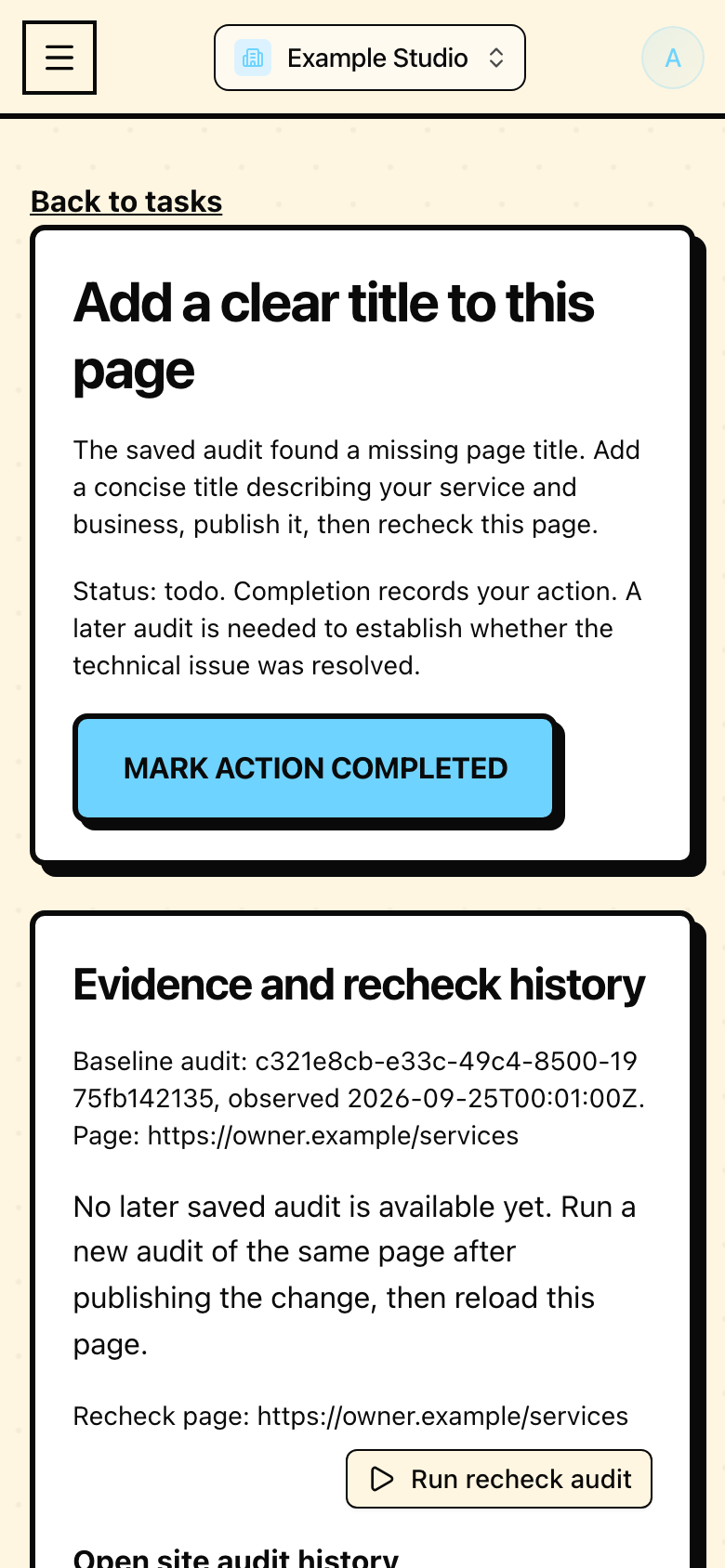
Saved audit action in Mapseen's mobile interface, with sample data
07 / Added flow

Saved audit action

Turn a saved audit issue into a task with evidence and a recheck path.
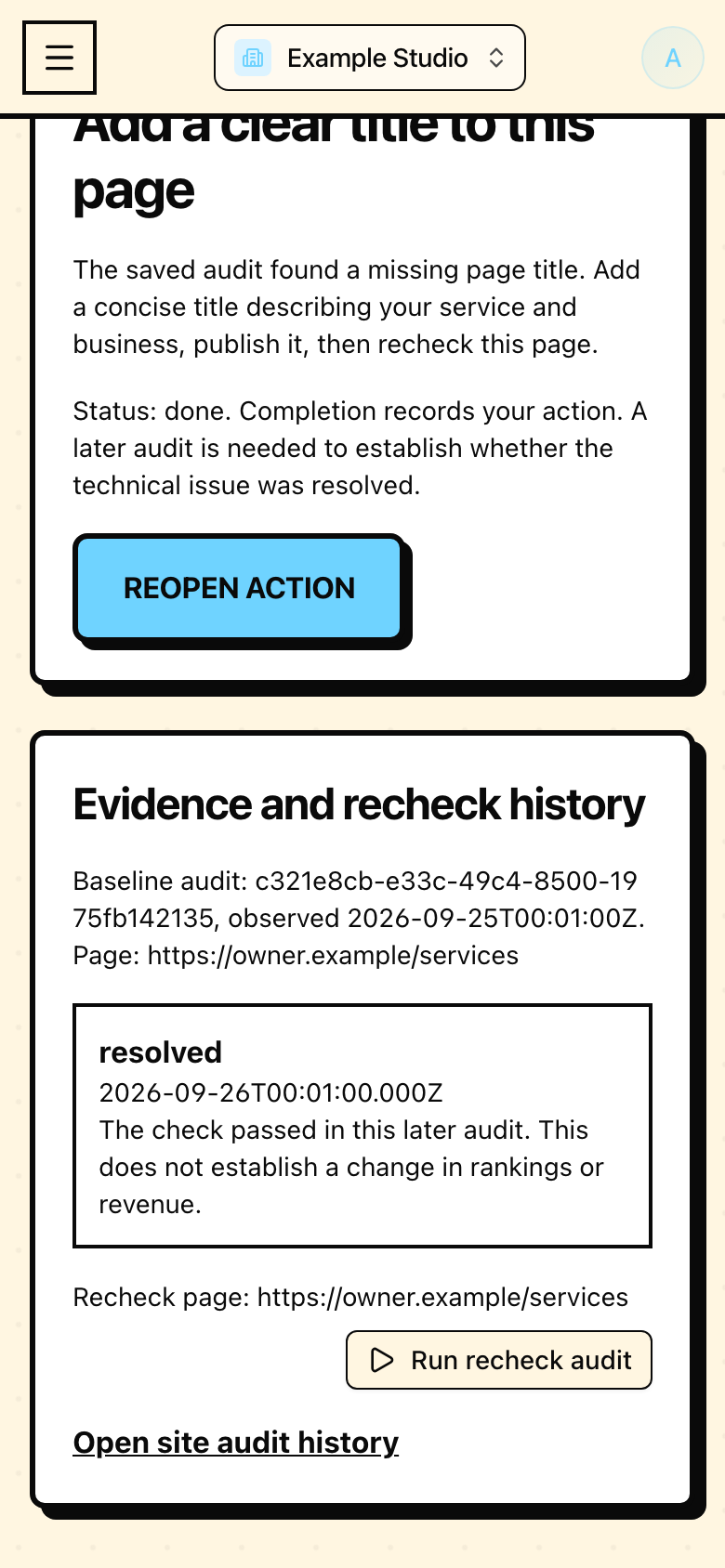
Recheck evidence in Mapseen's mobile interface, with sample data
08 / Added flow

Recheck evidence

Dated history separates completing a task from resolving an issue.
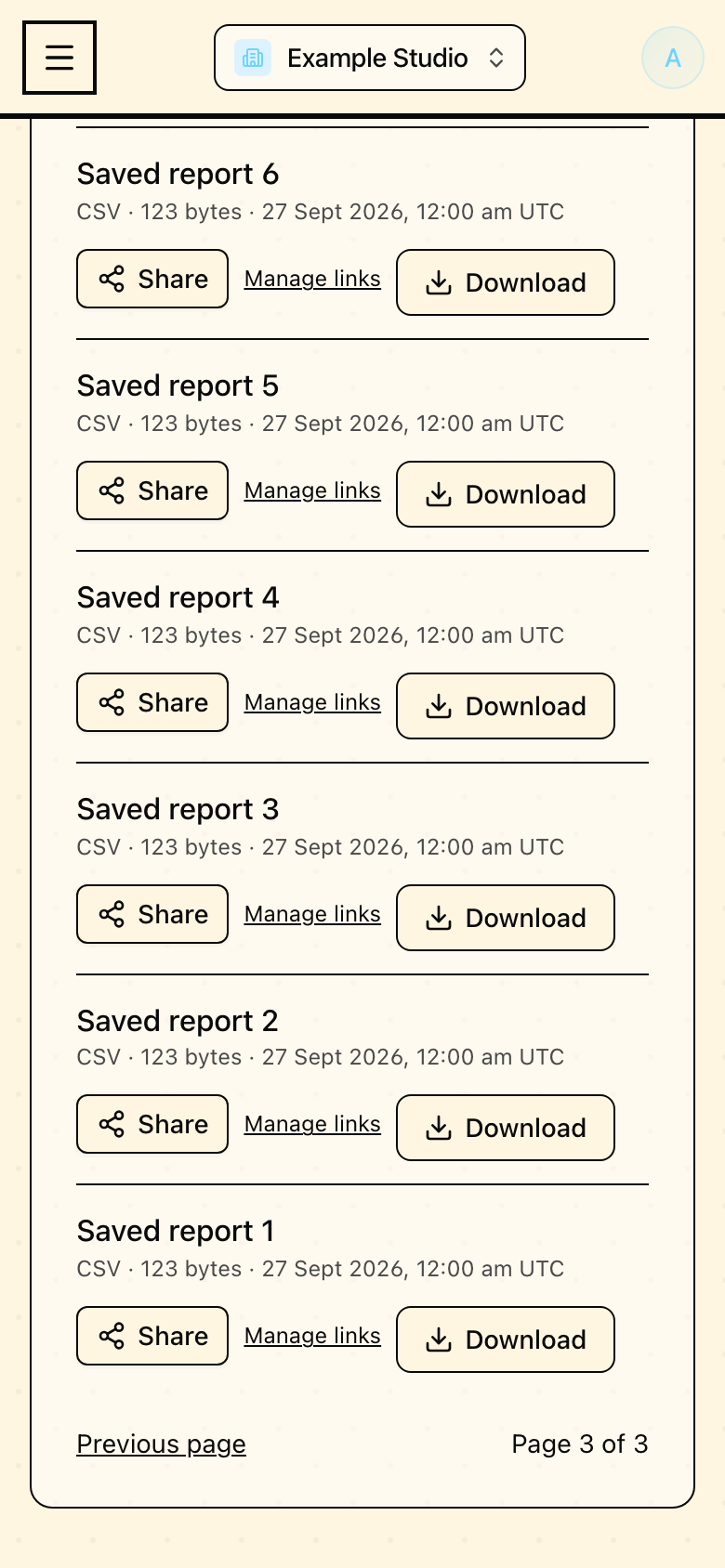
Older report pages in Mapseen's mobile interface, with sample data
09 / Added flow

Older report pages

Pagination reaches reports beyond the newest 25.
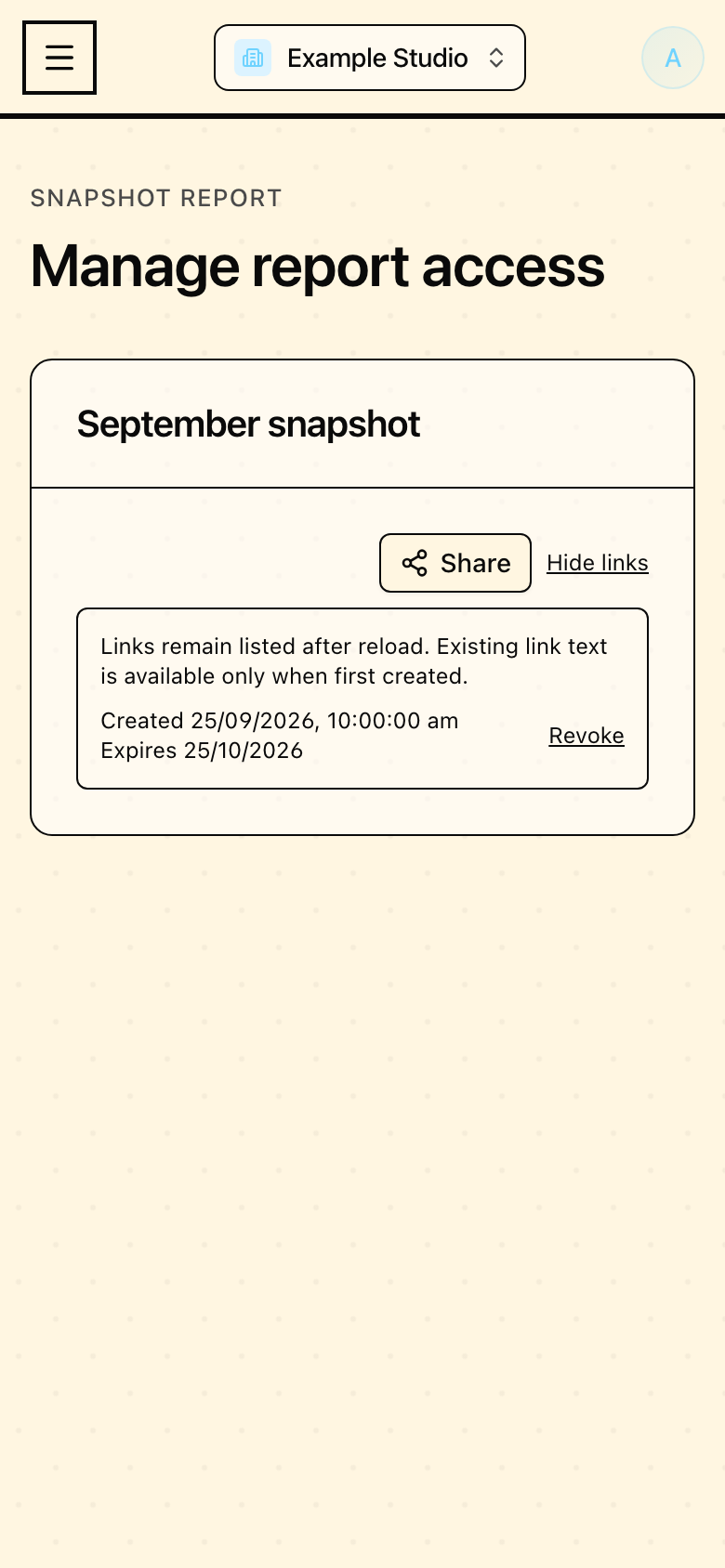
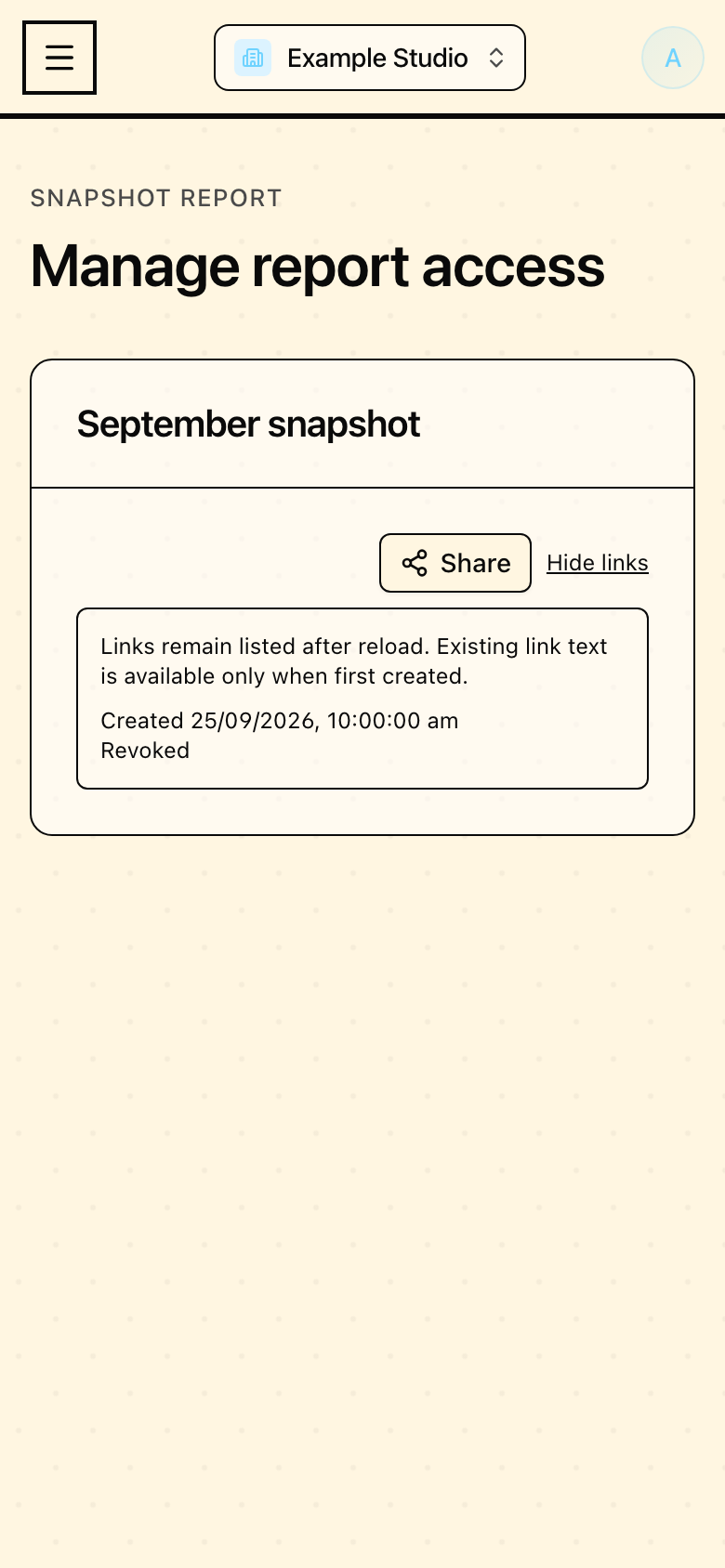
Saved share links in Mapseen's mobile interface, with sample data
10 / Added flow

Saved share links

Manage report links after a reload.

Confirmed revocation in Mapseen's mobile interface, with sample data
11 / Added flow

Confirmed revocation

See when a saved report link has been revoked.
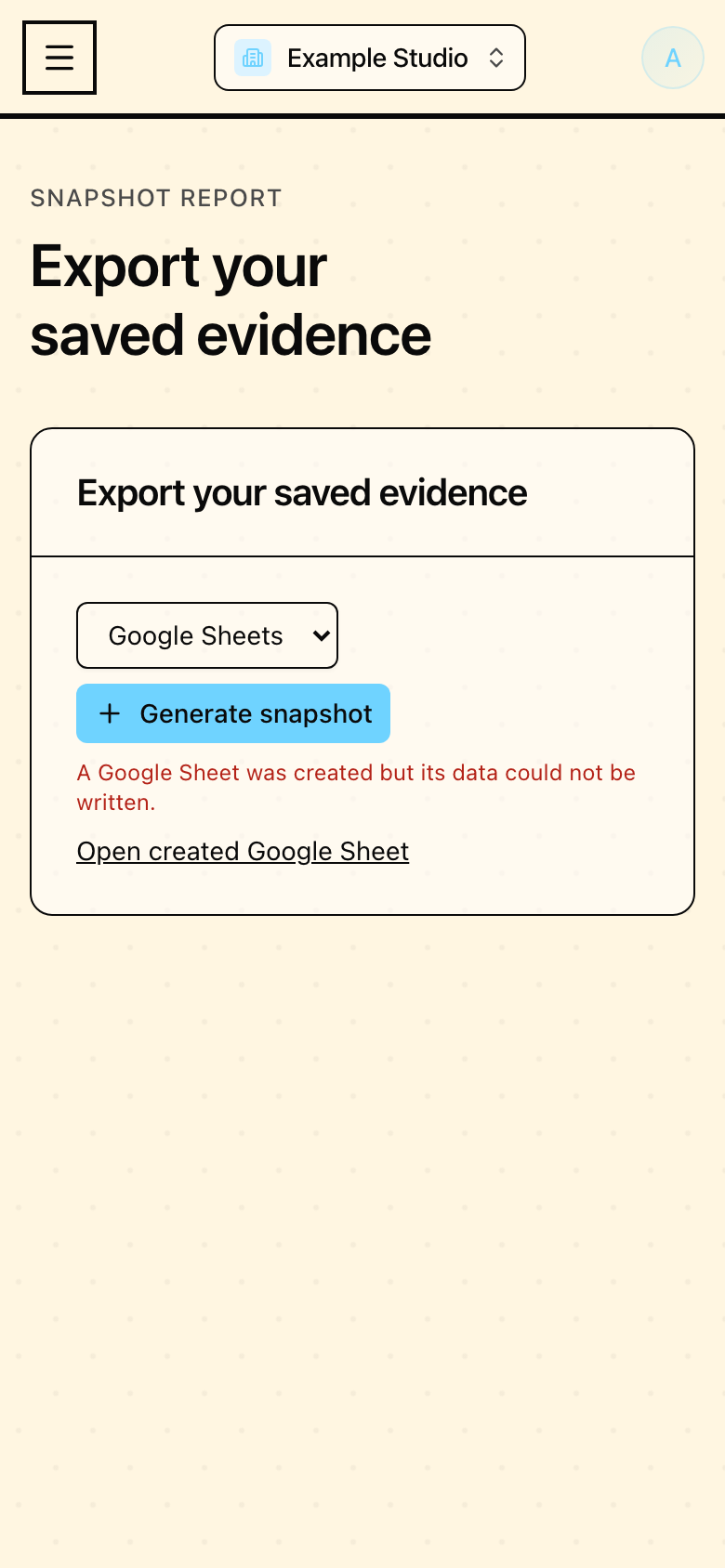
Partial export recovery in Mapseen's mobile interface, with sample data
12 / Added flow

Partial export recovery

Keep access to a created Google Sheet when a later data write fails.
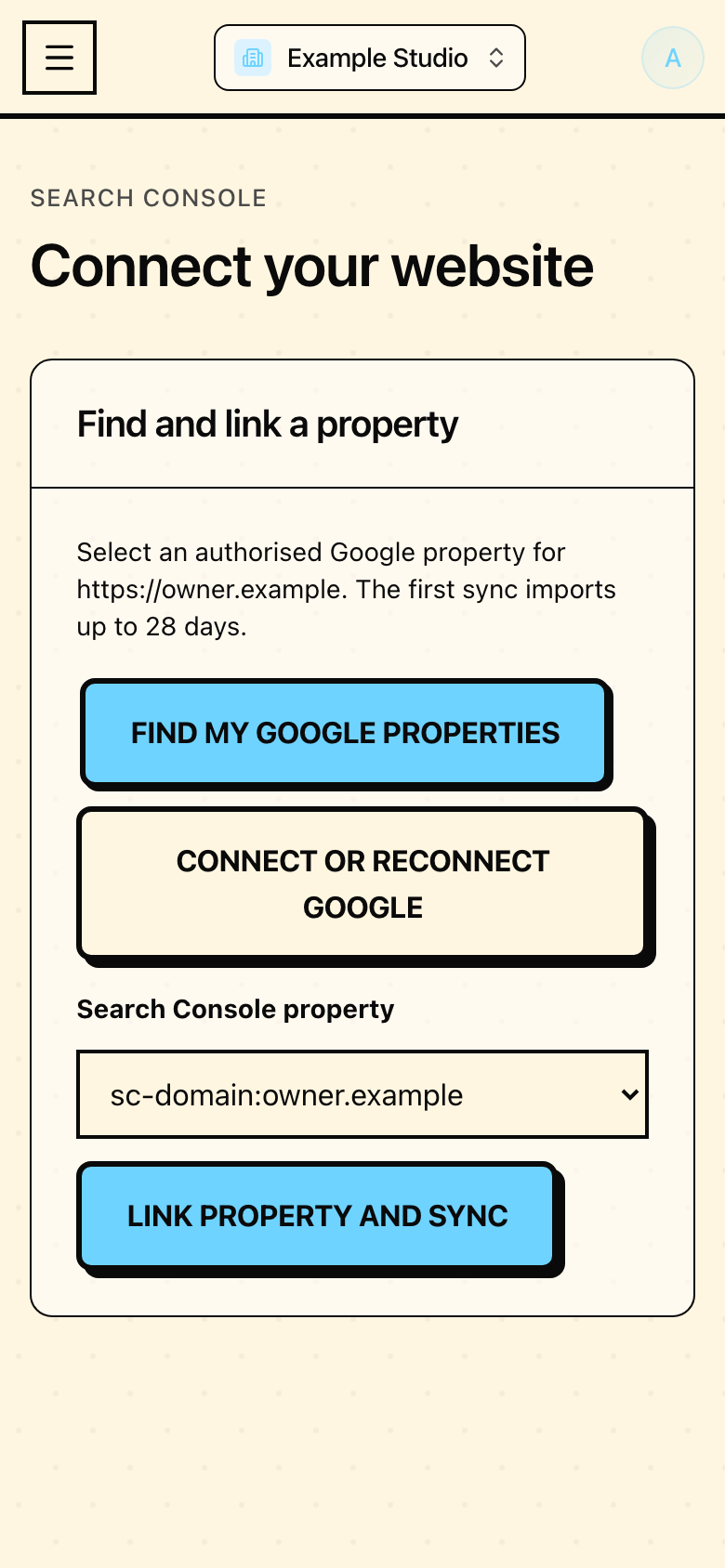
Matching Google property in Mapseen's mobile interface, with sample data
13 / Added flow

Matching Google property

Choose a Search Console property matching your website.
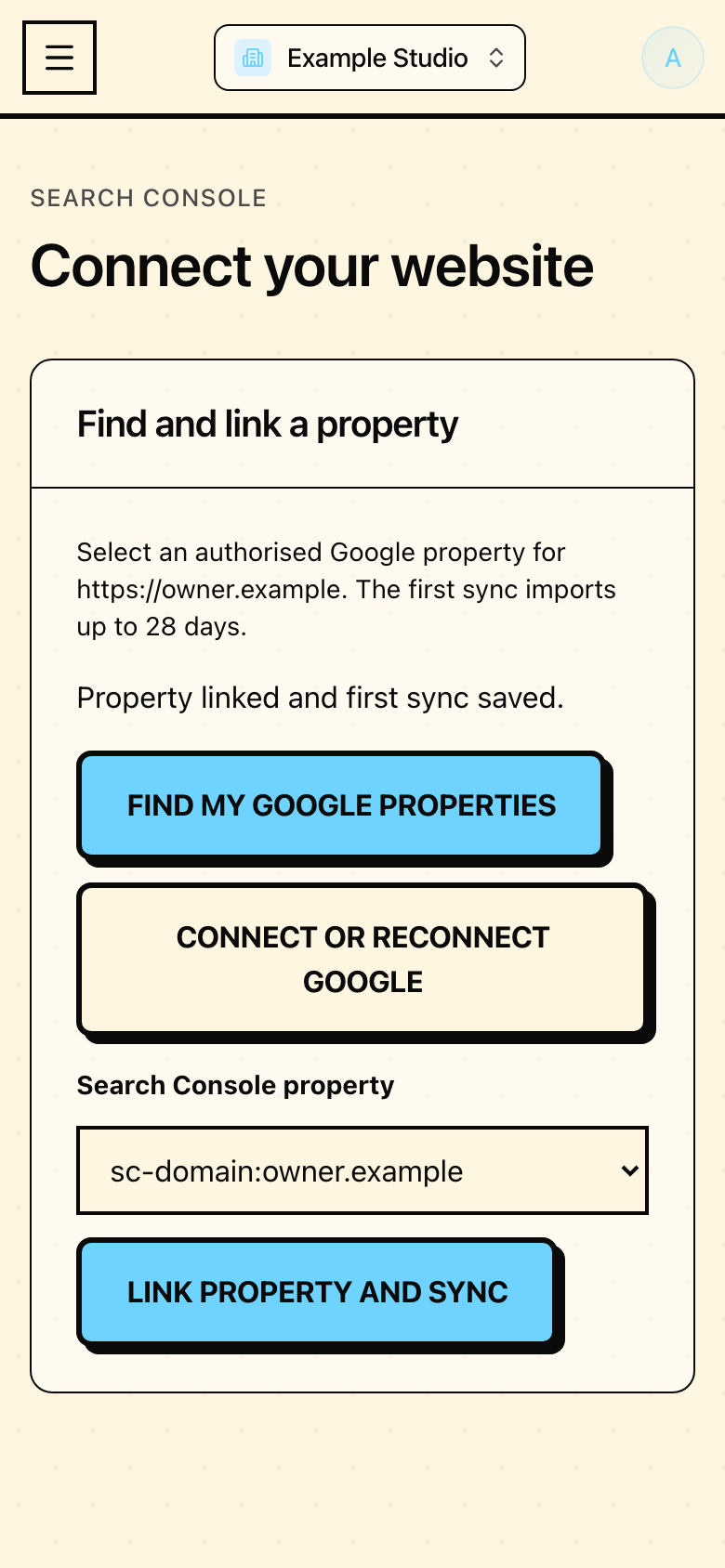
First sync confirmation in Mapseen's mobile interface, with sample data
14 / Added flow

First sync confirmation

Know whether a property linked and its first import was saved.
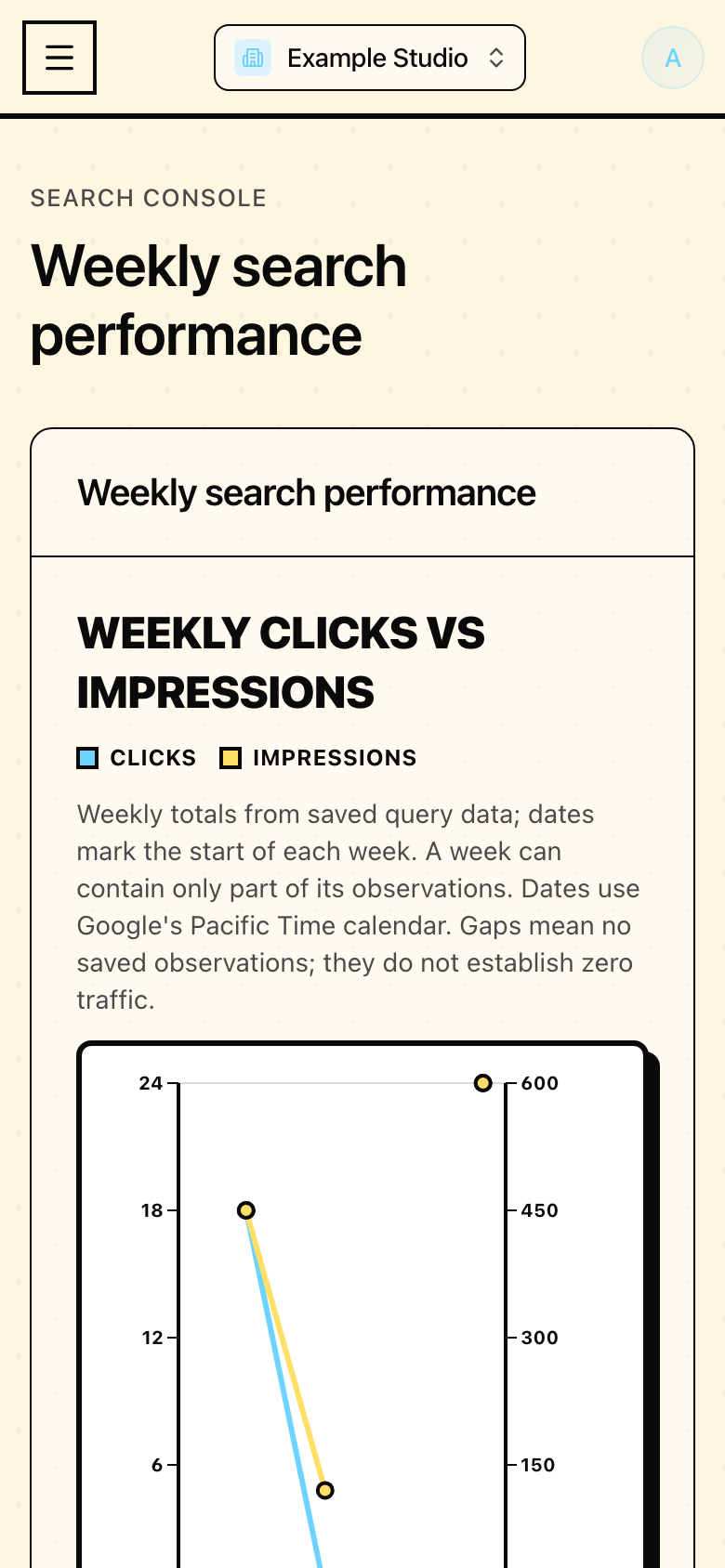
Weekly evidence view in Mapseen's mobile interface, with sample data
15 / Added flow

Weekly evidence view

Read weekly saved values without confusing gaps with zeroes.
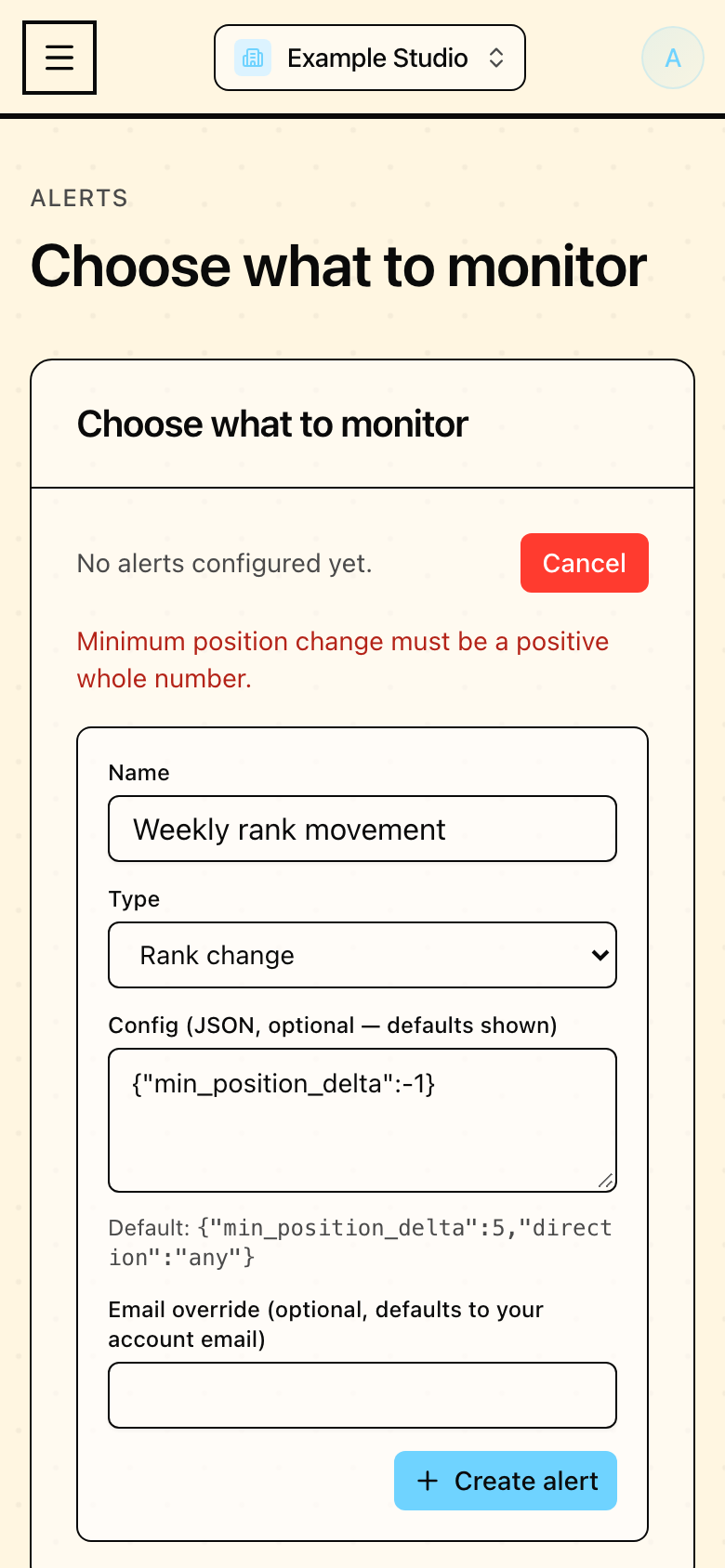
Alert validation in Mapseen's mobile interface, with sample data
16 / Added flow

Alert validation

Clear labels and validation explain settings before saving.
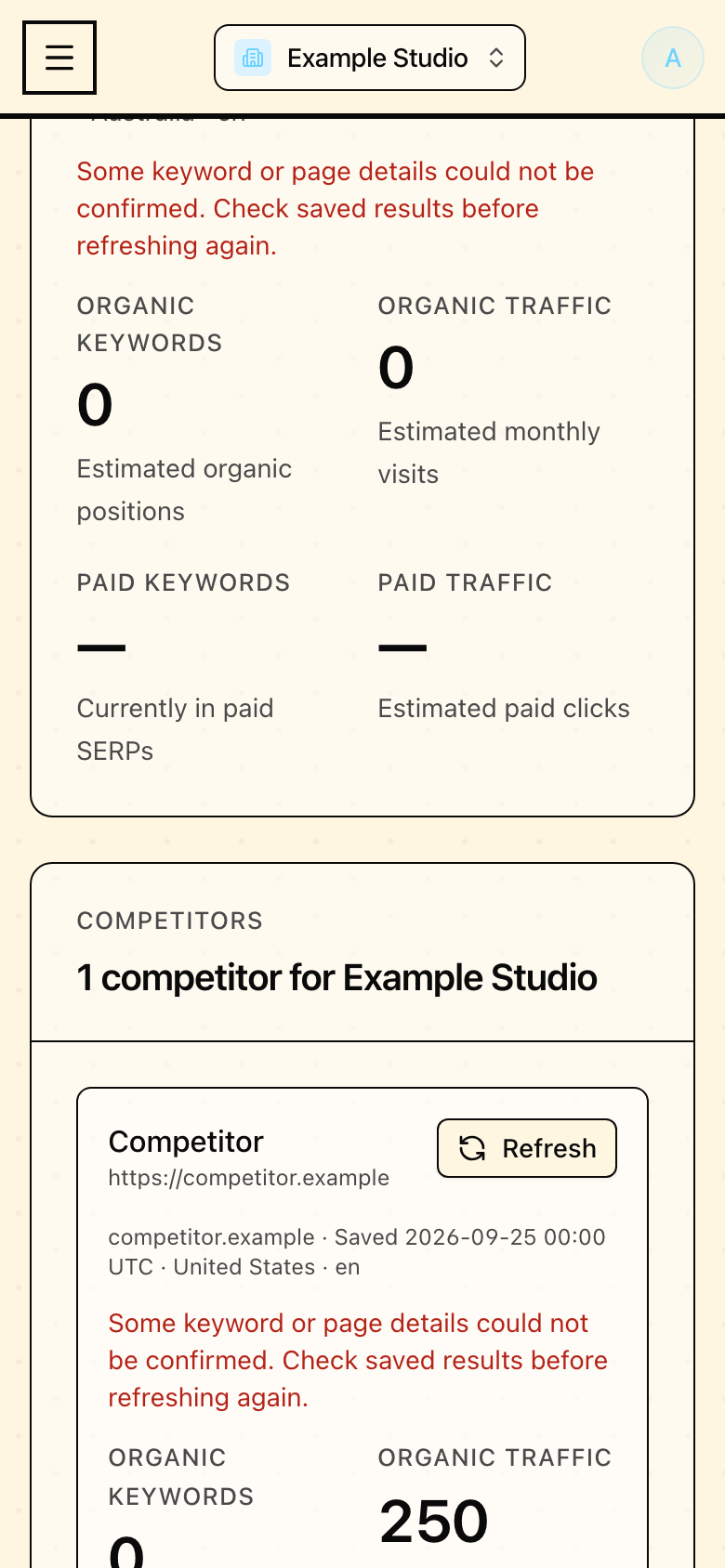
Persistent import status in Mapseen's mobile interface, with sample data
17 / Added flow

Persistent import status

Import notices survive a reload and identify partial data.
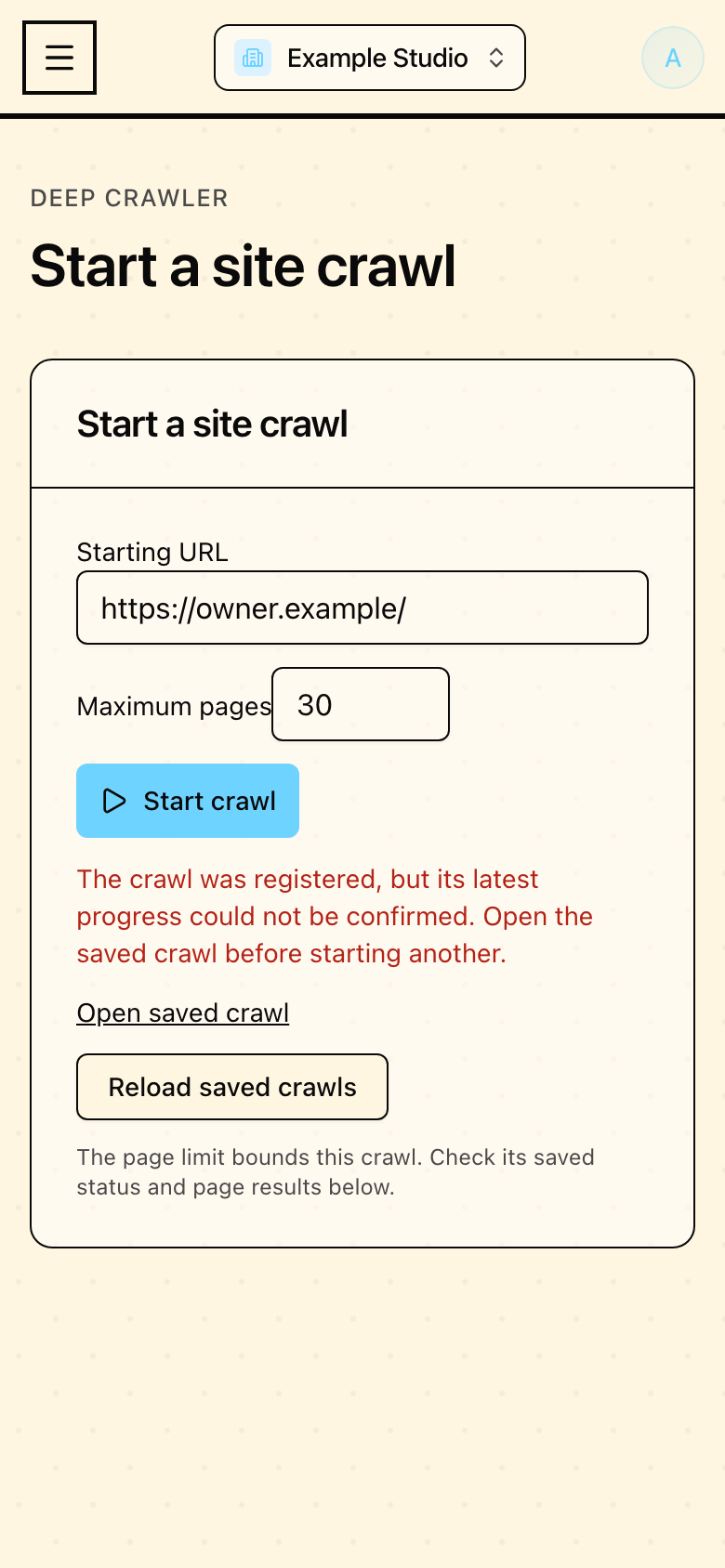
Registered crawl recovery in Mapseen's mobile interface, with sample data
18 / Added flow

Registered crawl recovery

Return to a registered crawl if its progress request fails.
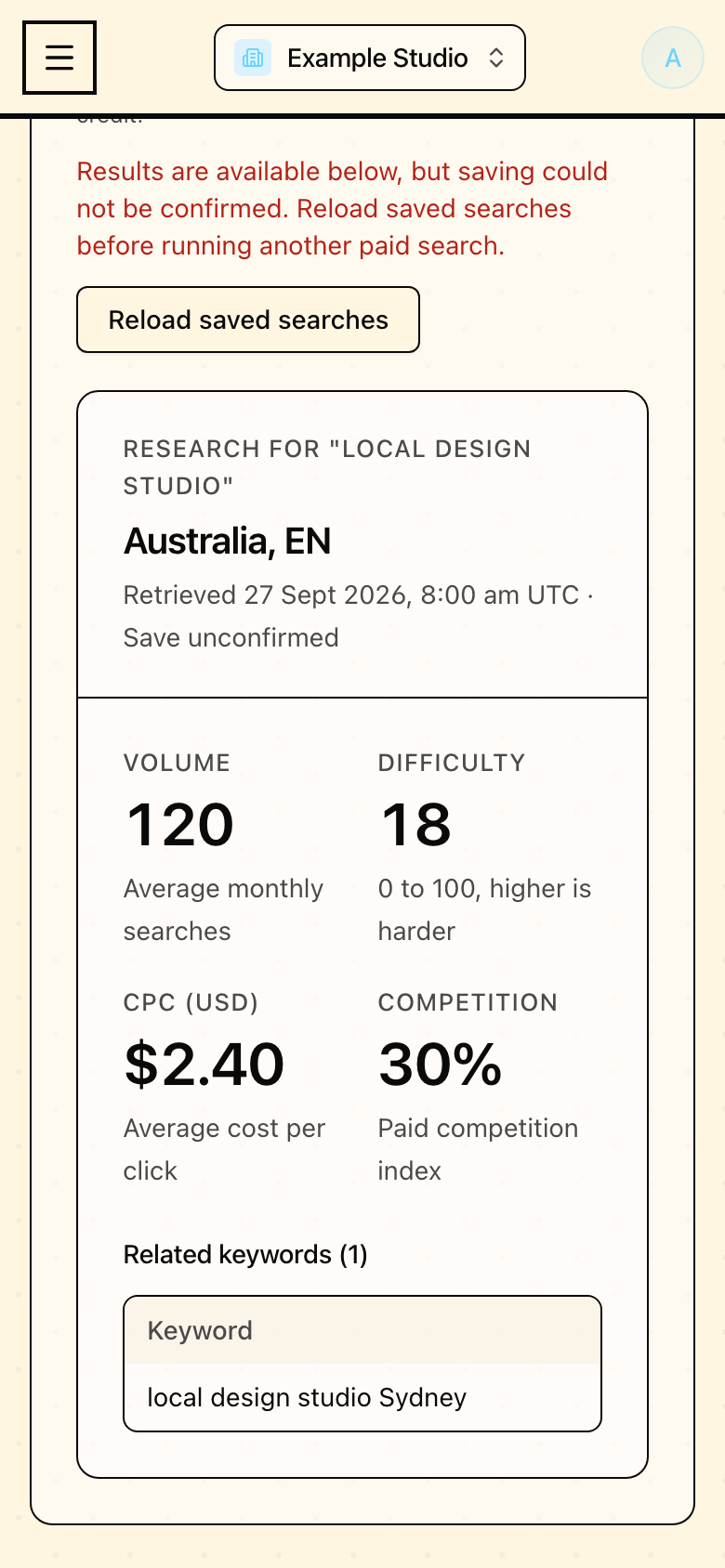
Unsaved research results in Mapseen's mobile interface, with sample data
19 / Added flow

Unsaved research results

Keep paid research visible when saving cannot be confirmed.
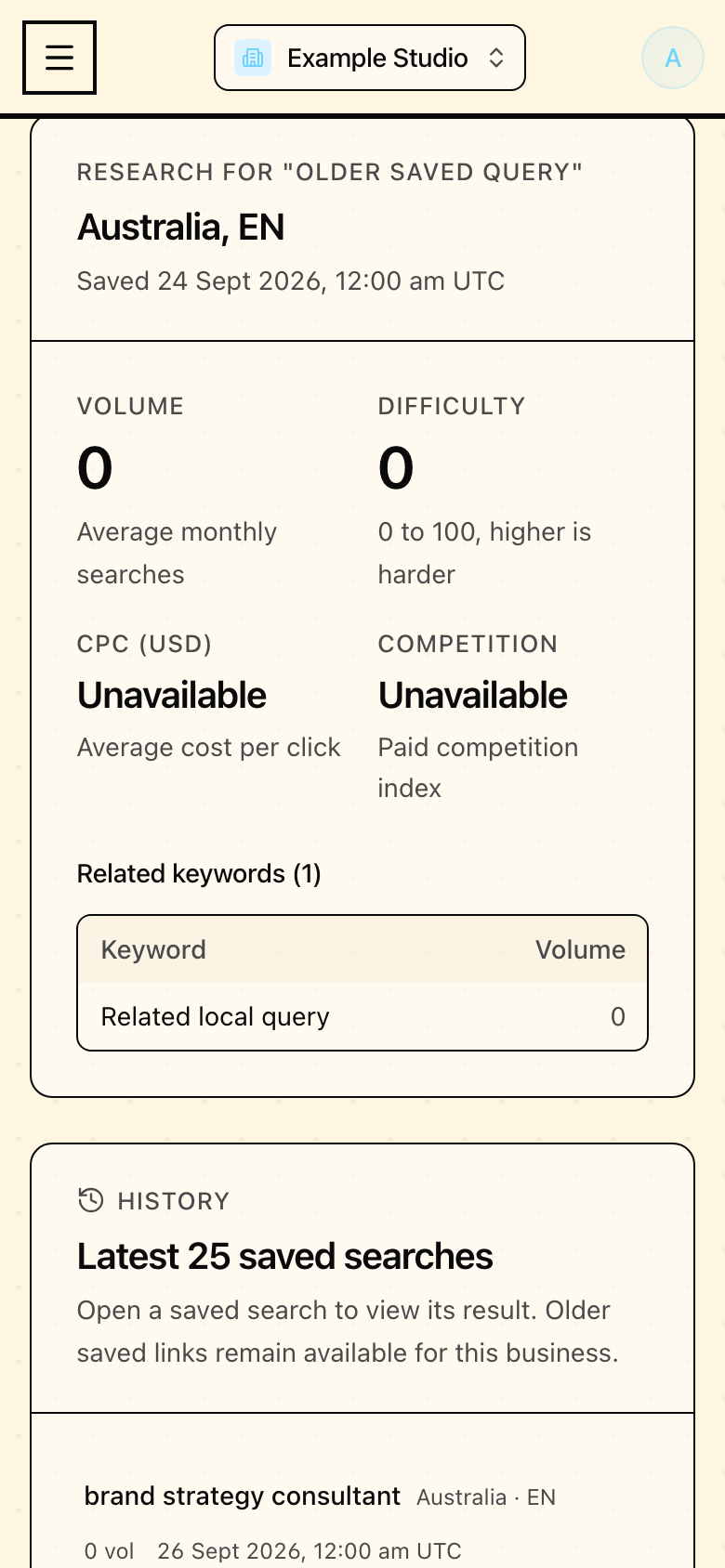
Older keyword research in Mapseen's mobile interface, with sample data
20 / Added flow

Older keyword research

Open an older saved search directly with dated measurements.

6 screens

Improved everyday screens

Clearer dates, readable histories, and controls that fit a phone.
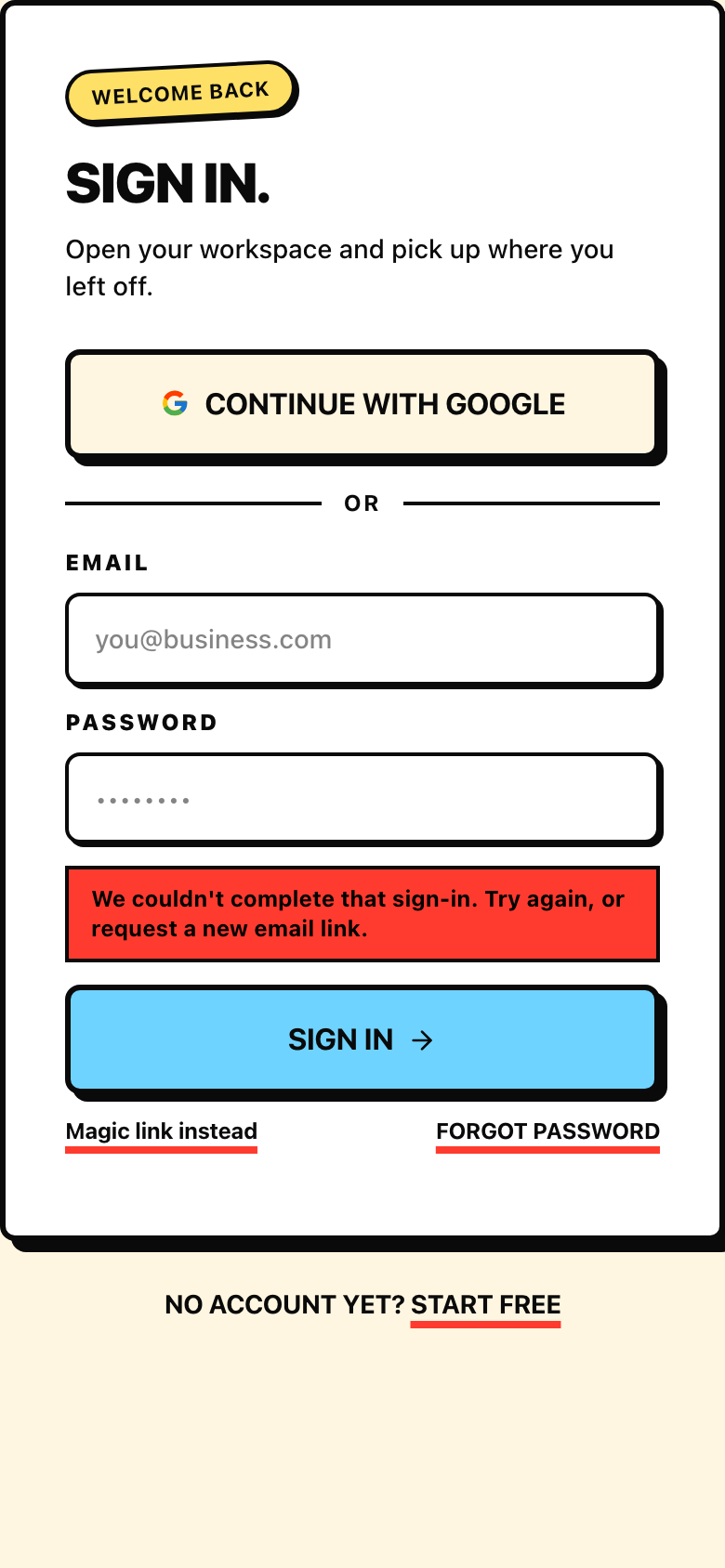
Account recovery in Mapseen's mobile interface, with sample data
01 / Improved

Account recovery

Expired sign-in links return to a usable sign-in form.
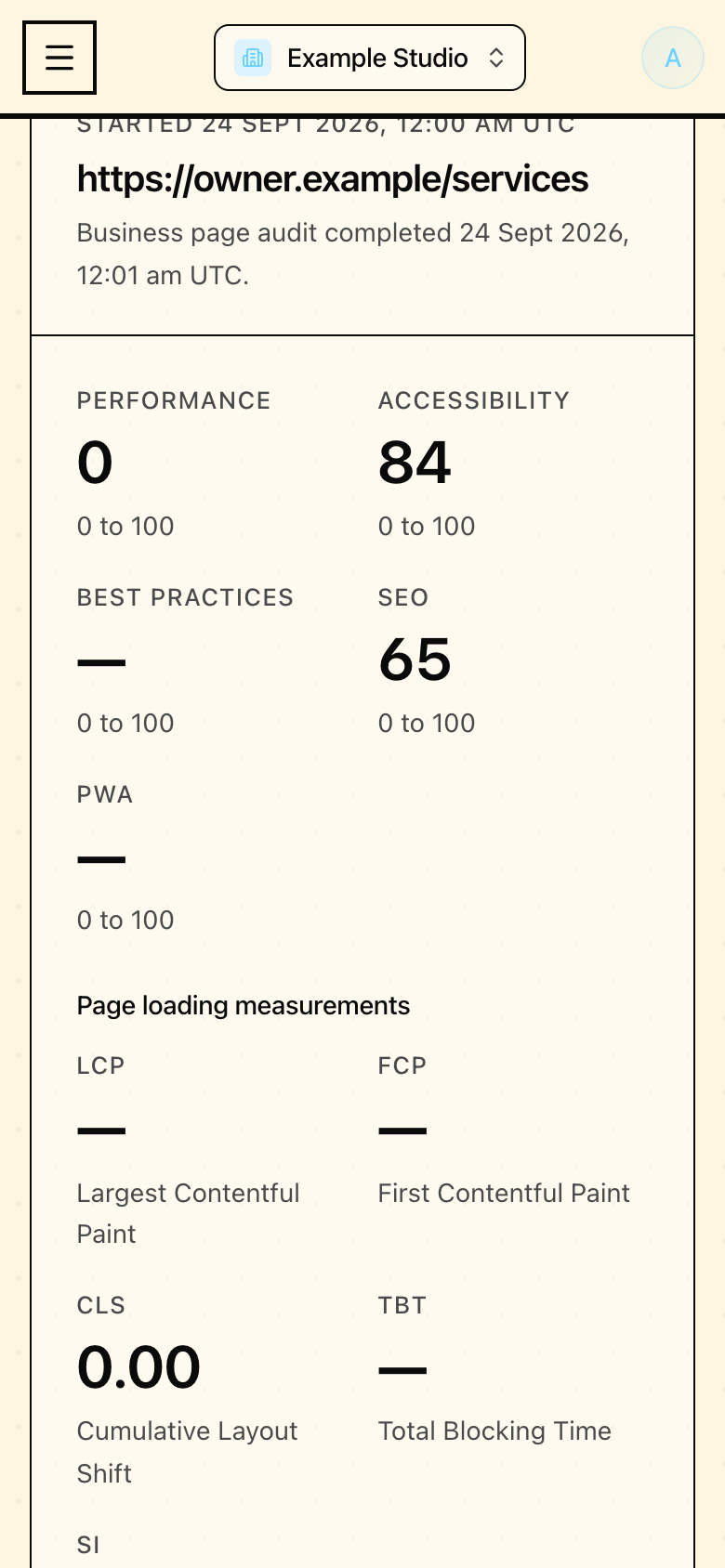
Audit history in Mapseen's mobile interface, with sample data
02 / Improved

Audit history

Older audits keep their dates and remain readable on a phone.
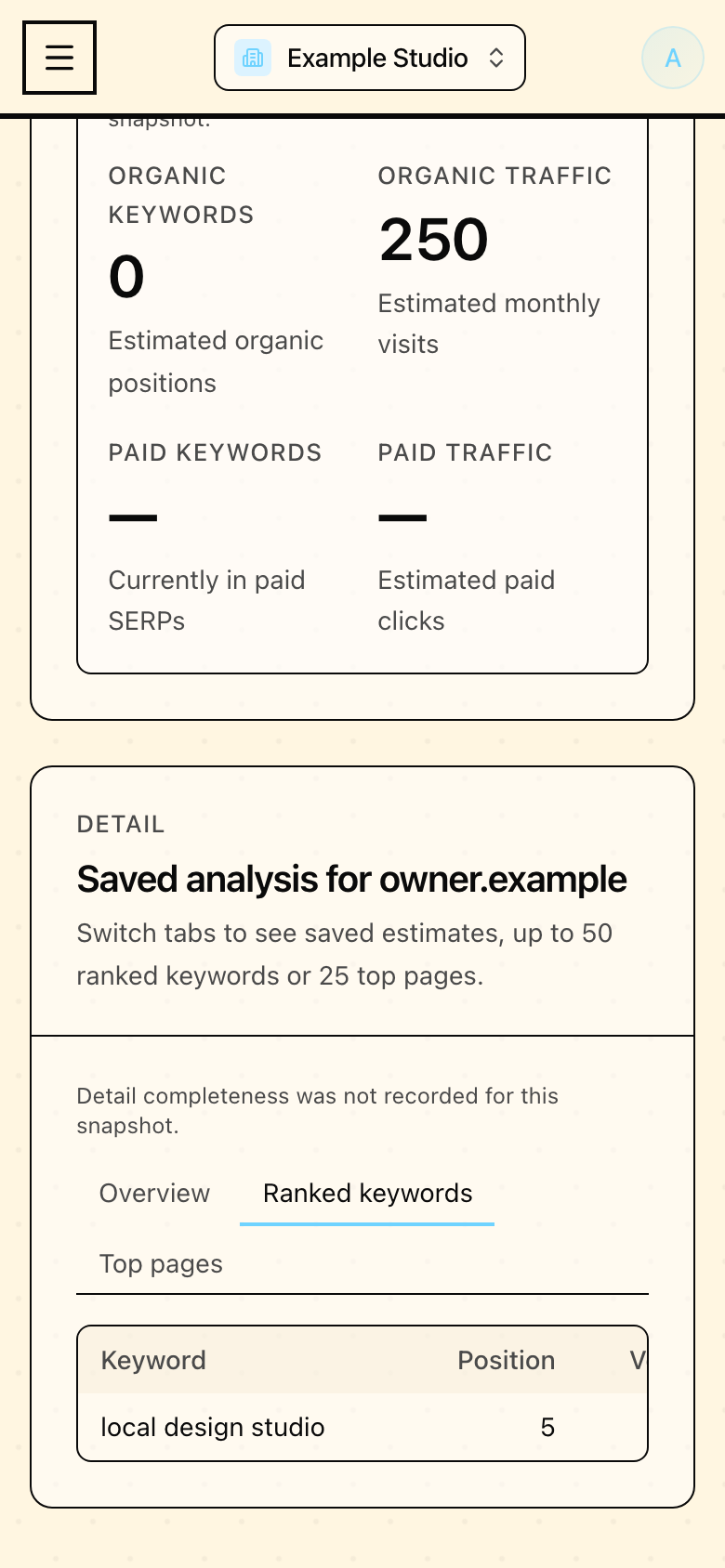
Domain details in Mapseen's mobile interface, with sample data
03 / Improved

Domain details

Saved domain tables fit mobile screens and retain their source scope.
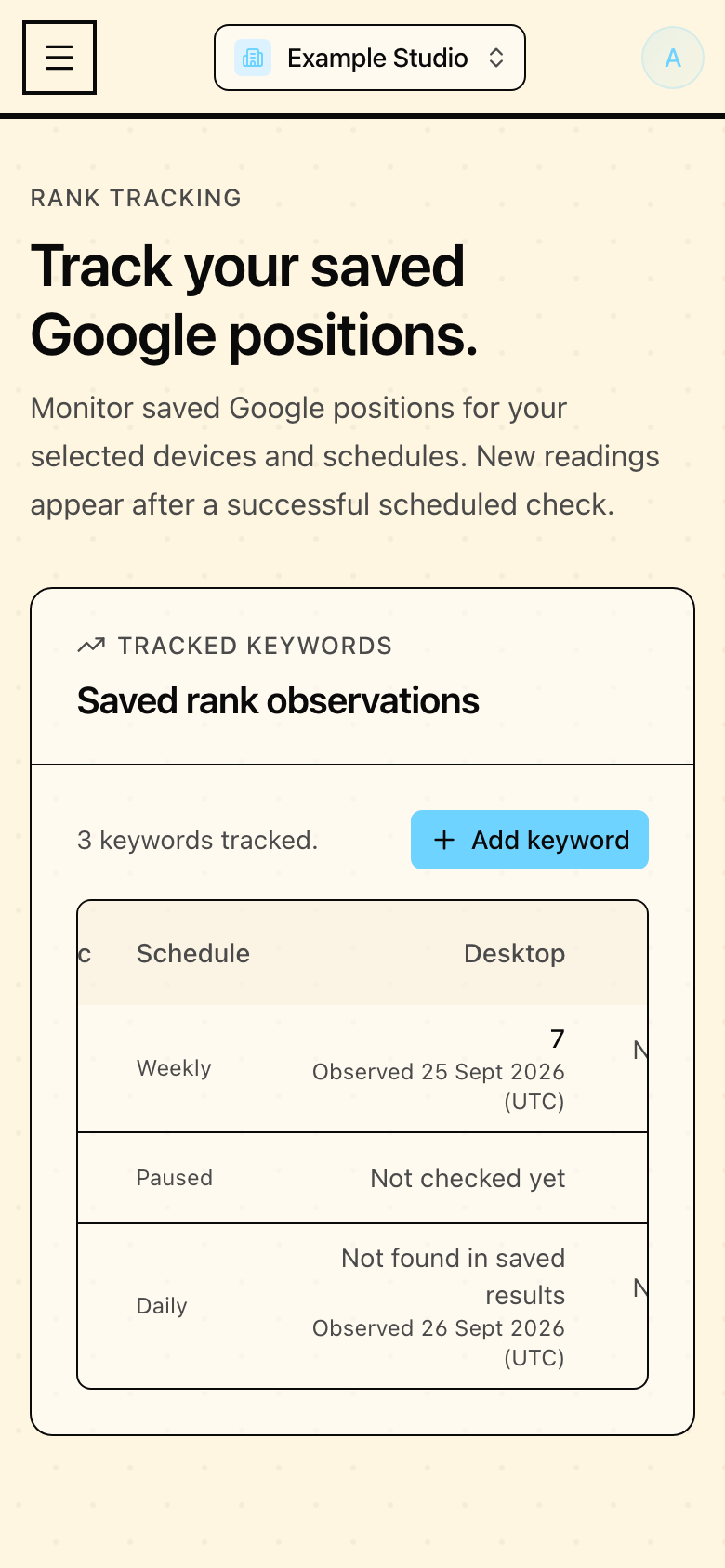
Rank observations in Mapseen's mobile interface, with sample data
04 / Improved

Rank observations

Observation dates distinguish missing results from unchecked keywords.
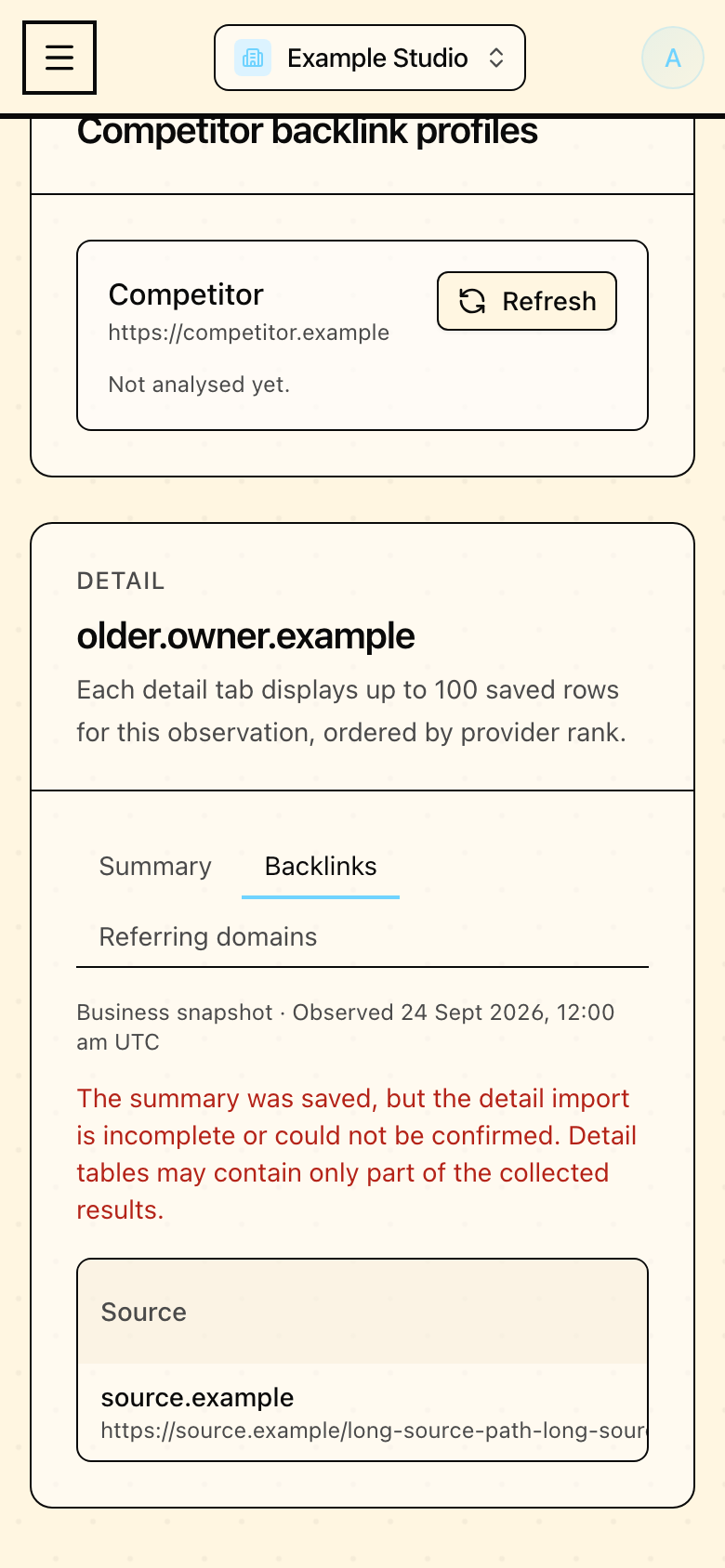
Backlink history in Mapseen's mobile interface, with sample data
05 / Improved

Backlink history

Older snapshots keep their observation dates and partial-import notices.
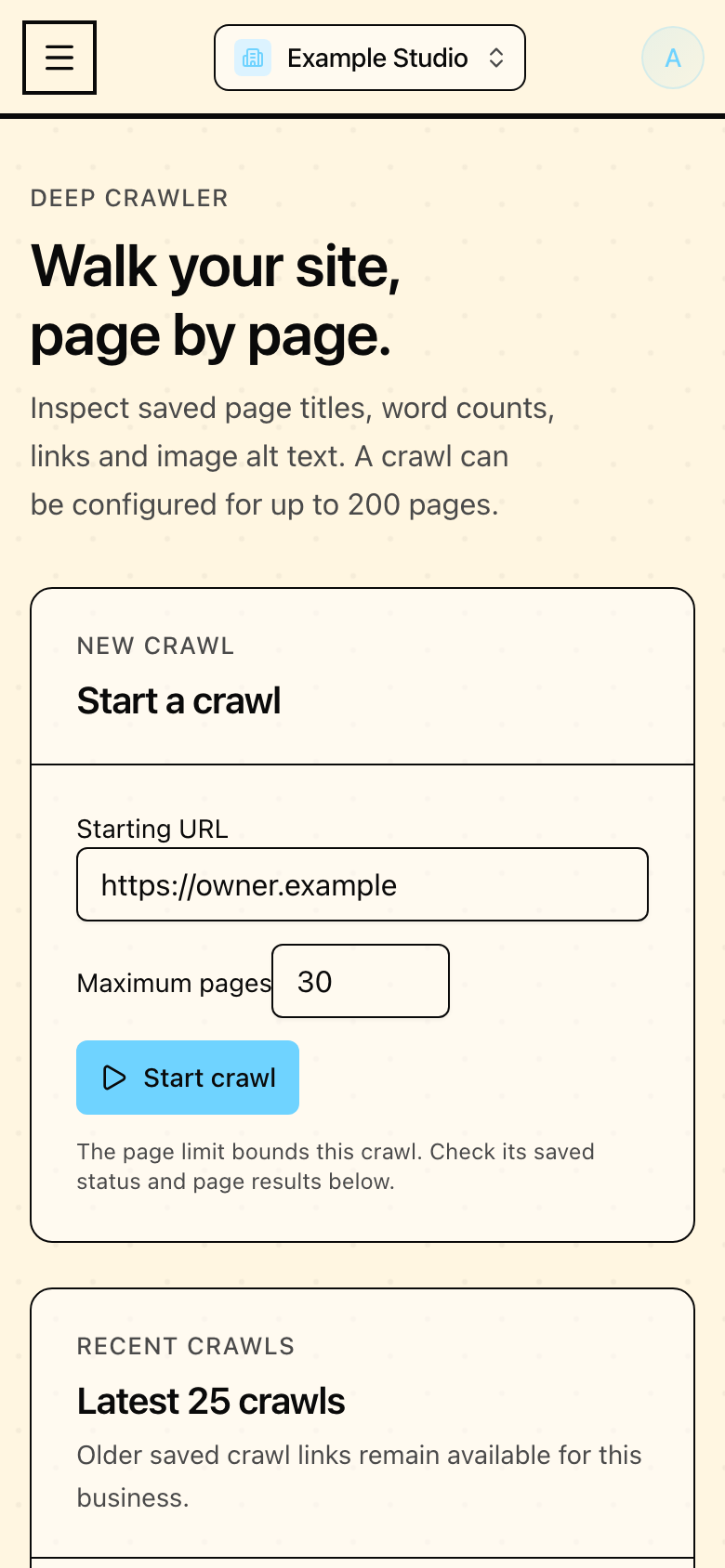
Crawler controls in Mapseen's mobile interface, with sample data
06 / Improved

Crawler controls

Labelled crawl inputs and controls fit a phone.